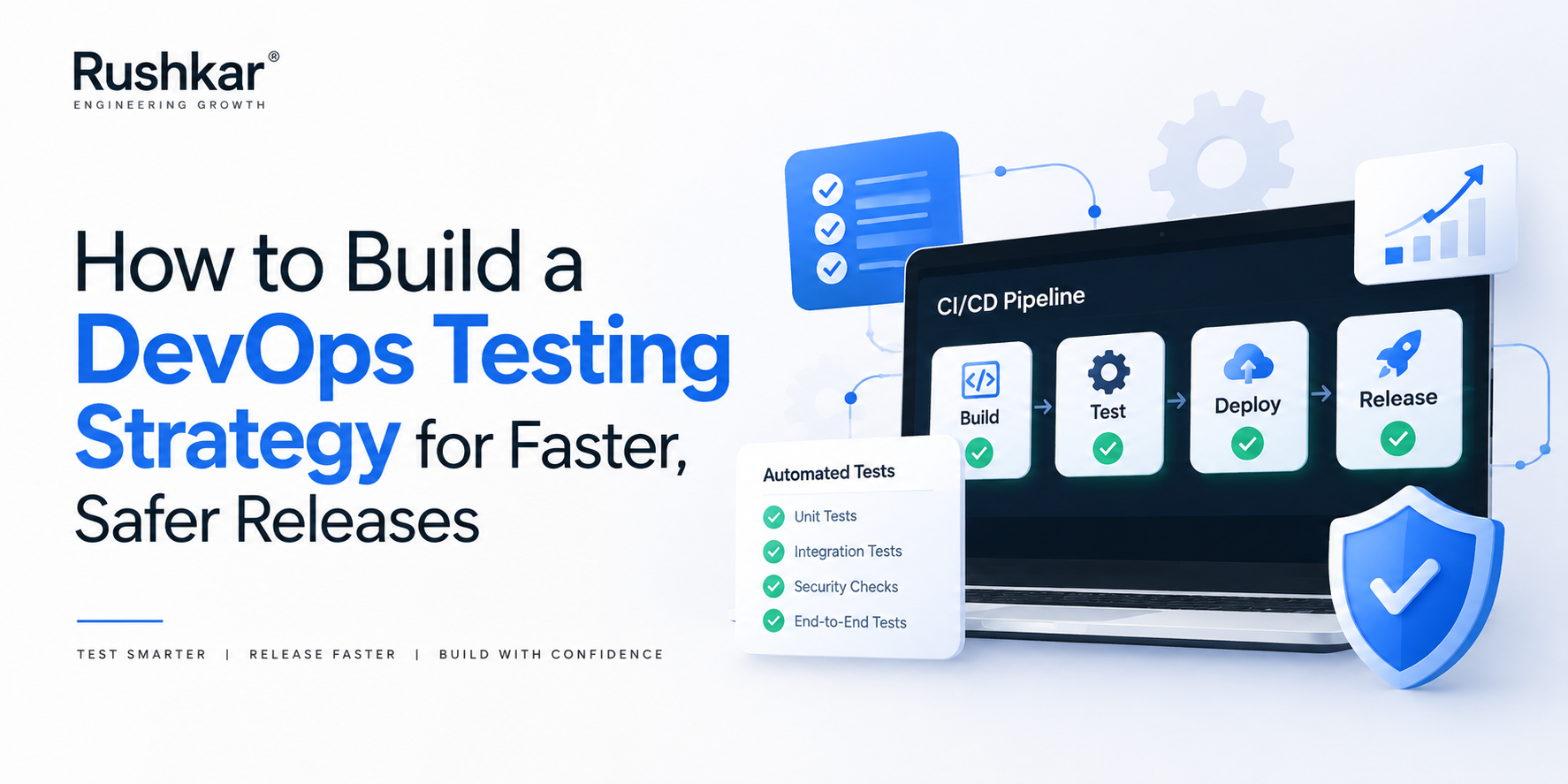
A CI pipeline can be green, automated tests can be running on every pull request, and developers can still ship defects.
That usually does not mean the team needs another testing tool. More often, the problem is that the testing process has grown without a clear idea of what needs to be tested, when it should be tested, and what should happen when a test fails.
This becomes harder as applications become more connected. A seemingly small change can affect an API, database, background worker, third-party service and user interface at the same time. A unit test may pass while an integration quietly breaks. A browser test may catch the problem, but if it takes an hour to run, developers may not discover the issue until much later.
A good DevOps testing strategy is built around that reality. Fast checks should catch simple problems early, deeper tests should examine important interactions, and production should provide another source of feedback after deployment. DORA recommends continuous testing throughout the software delivery lifecycle, with fast and reliable automated tests forming part of the delivery pipeline.
The objective is not to make every test run everywhere. It is to make sure the right test is looking for the right failure at the right point in the release process.
Start With What Can Actually Break
It is tempting to begin with the testing tools.
A team chooses Playwright for browser testing, Postman for APIs, JMeter for performance testing and a security scanner for the pipeline. The stack looks impressive, but none of those tools answers the first question: what does this application need protection from?
Start with the application instead.
Look at the workflows that matter. In an ecommerce application, checkout, payment processing, stock updates and order creation may deserve much stronger protection than an internal reporting screen. In a SaaS product, authentication, account creation, permissions, subscriptions and billing can be far more important than an administrative feature used once a month.
Then look at technical risk. Which components change frequently? Which integrations have caused trouble before? Which services depend on external systems? Where would a defect create financial, operational or customer-facing consequences?
That gives the team a testing map based on actual risk rather than an arbitrary target such as “80% automated testing.”
Code coverage can tell you how much code a test suite touches. It cannot tell you whether the suite is protecting the behaviour that matters most.
Give Each Test a Specific Job
Not all tests should be expected to prove the same thing.
Unit tests are useful for small pieces of logic that can be tested without starting the whole application. Pricing calculations, validation rules, permission checks and transformation logic are common examples. They are generally fast, which makes them suitable for early feedback.
Integration and API tests look at the boundaries between components. A service can pass all of its unit tests and still send an incorrect payload to another service, mishandle a database response or return an unexpected API status.
End-to-end tests follow a complete business journey. A customer signing in, adding an item to a basket, completing payment and receiving an order confirmation is a meaningful scenario because it checks several parts of the application working together.
The mistake is using the most expensive test for every problem.
If a validation rule can be tested in milliseconds at unit level, there is little reason to launch a browser and reproduce the same rule through the entire application. Microsoft similarly recommends distributing tests across different levels and deciding where they run based on feedback time and the dependencies they require.
The familiar testing pyramid is useful as a principle, but it should not become a rigid formula. The right balance depends on the application architecture.
Decide What Runs First in CI/CD
A developer should not have to wait 45 minutes to discover that a simple function has a failing unit test.
That is why the early part of the pipeline should concentrate on fast, dependable checks. Build validation, static analysis and unit tests are natural candidates. When one of these fails, the developer gets an immediate signal and can fix the problem before the change moves further through the pipeline.
The next layer can test APIs, integrations and broader application behaviour. These checks need more setup and usually take longer, but they answer questions that unit tests cannot.
Later stages can handle selected end-to-end scenarios, performance testing, security checks and deployment validation.
This does not mean every pipeline needs a long sequence of gates. It means the pipeline should become more thorough as the cost of releasing a bad change increases.
Microsoft describes this as a fail-fast approach in continuous delivery, where tests that are likely to identify problems quickly run before longer checks.
That is a much more practical way to think about pipeline design than simply asking how many automated tests the team has.
Do Not Let the Test Environment Become the Problem
There is another reason automated testing loses credibility: the environment cannot be trusted.
A test fails because a database contains unexpected data. Another fails because a dependent service is running a different version. Someone changes an environment variable locally and suddenly a previously reliable test behaves differently.
After enough of these incidents, developers start rerunning failed tests without investigating them.
That is dangerous.
A reliable testing process needs repeatable environments and predictable test data. Infrastructure as Code and containers can help teams reproduce application dependencies consistently, while version-controlled configuration reduces the number of undocumented differences between environments.
Test data needs similar attention. Teams should have known records for normal scenarios, invalid inputs, boundary conditions and expected failure cases. Production data should not simply be copied into test environments because it happens to be convenient. Apart from privacy and security concerns, production datasets are rarely clean or predictable enough for repeatable automated testing.
When a test fails, the team should be able to establish whether the application failed or the test environment failed. If that takes hours to determine, the testing infrastructure itself needs attention.
A Flaky Test Is Still a Problem
Flaky tests are particularly damaging because they teach teams to distrust the pipeline.
The test passes on one run and fails on another even though the application has not changed. Timing issues, shared state, asynchronous operations, unstable dependencies and poor test isolation are common causes.
The easy response is to add retries.
Sometimes a retry is useful for a genuinely transient infrastructure issue. But repeated retries can also hide a broken test. If developers know that a red build usually becomes green after clicking “run again,” the pipeline stops functioning as a meaningful quality signal.
DORA's guidance emphasises that effective automated test suites should be reliable: they should identify real failures and pass only when the software is actually releasable.
That means flaky tests need ownership. Track them, identify recurring causes and repair or remove them. A smaller suite that developers trust is more valuable than thousands of tests that everyone learns to ignore.
Bring Security Into the Same Process
Security testing should not suddenly appear at the end of the release cycle.
Some security checks can happen early while developers are still working on the change. Static analysis, dependency checks, secret detection and other source-level controls can identify issues before the application reaches a running environment.
Other checks belong later. Dynamic application testing, infrastructure checks, container scanning and deeper security validation may require a deployed environment.
The important part is knowing what each check is supposed to catch and what happens when it finds something.
A critical vulnerability may need to block a release. A lower-risk finding may be recorded for remediation without stopping delivery. If every warning receives the same treatment, teams can end up with a pipeline full of alerts that nobody takes seriously.
OWASP's DevSecOps guidance recommends bringing security activities into the CI/CD process rather than treating security as a separate activity that happens after development.
Testing Does Not End When the Code Reaches Production
A successful pipeline does not guarantee that an application will behave perfectly under real traffic.
Production has real users, real data, real traffic patterns and third-party dependencies that are difficult to reproduce completely in a staging environment. Some behaviours only become visible after deployment.
That is why a modern DevOps testing strategy should include post-deployment validation and monitoring.
A smoke test can confirm that the new version has started correctly. Monitoring can then look for unusual error rates, latency changes, failed transactions or other application-specific signals.
Microsoft describes this as a shift-right approach, where certain forms of testing happen later in the delivery process, including in production, because some behaviour cannot be fully validated beforehand.
There is another benefit. A production incident becomes useful feedback for the testing strategy.
If a payment failure reaches production, the question should not stop at fixing the payment service. The team should also ask why the failure was not detected earlier. Was the integration test missing? Was the test data unrealistic? Did the staging environment differ from production?
That is how the test suite becomes better over time.
Measure the Testing Process, Not Just Test Coverage
A large test count can look impressive without improving delivery.
Teams should also watch pipeline duration, failed builds, escaped defects, flaky-test rates and the time spent investigating failures. These measurements show where testing is creating useful feedback and where it is becoming a bottleneck.
For example, if an end-to-end suite takes 90 minutes and catches very few defects, simply adding another hundred browser tests is unlikely to solve the problem. Some coverage may belong at the API or unit level instead.
The same applies to code coverage. A high percentage can be useful, but it should not become the target that developers optimise for at the expense of meaningful tests.
The real question is whether the testing process helps the team release with evidence rather than confidence based on assumption.
DORA connects continuous testing with faster feedback and more reliable software delivery, while also stressing that tests should remain fast and dependable as part of the delivery process.
Choose the Tools After the Strategy
There is no single DevOps testing stack that fits every application.
A browser-heavy product may benefit from Playwright, Cypress or Selenium. An API-focused system may rely heavily on API and integration testing. Performance testing could involve tools such as k6 or JMeter. Security validation may involve several different tools because source code, dependencies, containers and deployed applications present different risks.
The tool should follow the testing requirement, not the other way around.
Teams should consider execution speed, CI/CD integration, debugging, reporting, maintenance and existing engineering skills before introducing another framework. A powerful tool that nobody can maintain becomes another source of technical debt.
The same principle applies to the pipeline itself. A sophisticated CI/CD process is not automatically a good one. It should give developers useful feedback quickly, protect important application behaviour and make release decisions easier.
How Rushkar Technology Approaches DevOps Testing
At Rushkar Technology, DevOps testing is approached as part of the software delivery process rather than as a separate testing activity added just before release. Our software engineering and QA capabilities cover automated and manual testing, API and functional testing, regression testing, performance validation and CI/CD integration.
The starting point is the application and its delivery process. Before deciding which tests to automate, it is important to understand where defects are currently escaping, which workflows carry the greatest business risk, how long existing tests take to run and where developers lose time waiting for feedback.
From there, the testing approach can be structured around the application's architecture, release frequency and risk profile. That may mean moving some checks earlier, reducing unnecessary end-to-end coverage, strengthening API testing, improving test environments or adding appropriate quality and security gates to the delivery pipeline.
The aim is straightforward: make testing useful enough that developers trust the feedback and releases have evidence behind them.
Frequently Asked Questions
What is a DevOps testing strategy?
A DevOps testing strategy defines how software is tested throughout development, integration, deployment and production. It covers test types, automation, environments, data, security checks, release gates and post-deployment validation.
Which tests should run on every code commit?
Fast and reliable checks such as builds, static analysis and unit tests are usually the best starting point. API and integration tests can also run on every commit when their execution time and environment requirements are manageable. Longer end-to-end, performance and specialised security tests can be placed later in the pipeline when appropriate.
How can teams reduce flaky automated tests?
First identify why the test is unreliable. Common causes include shared test data, timing dependencies, asynchronous operations, external services and poor isolation. Retrying the test can mask the problem, so recurring flaky tests should be investigated, repaired or removed.
Is manual testing still necessary in DevOps?
Yes. Automated tests are excellent for repeatable checks, but exploratory testing, usability assessment and investigation of unexpected behaviour still require human judgement. DevOps changes how testing fits into delivery; it does not eliminate the need for manual investigation.
How often should a DevOps testing strategy be reviewed?
The strategy should evolve with the application. Major architecture changes, new integrations, recurring production defects, changes in release frequency and repeated pipeline bottlenecks are all good reasons to review the testing approach.