A CMS decision can look deceptively simple when a project is still on paper. The team needs somewhere to manage website content, developers need an API, and marketing needs an editor that does not require a developer every time a heading changes.
The difficulty starts when the product becomes more than a collection of webpages. Content may need to appear in a mobile application, customer portal, ecommerce experience or internal tool. Different teams may need different permissions, several markets may require localised content, and information stored in the CMS may need to connect with systems such as a CRM or ERP.
That is when Strapi, Contentful and Sanity stop looking like interchangeable headless CMS platforms.
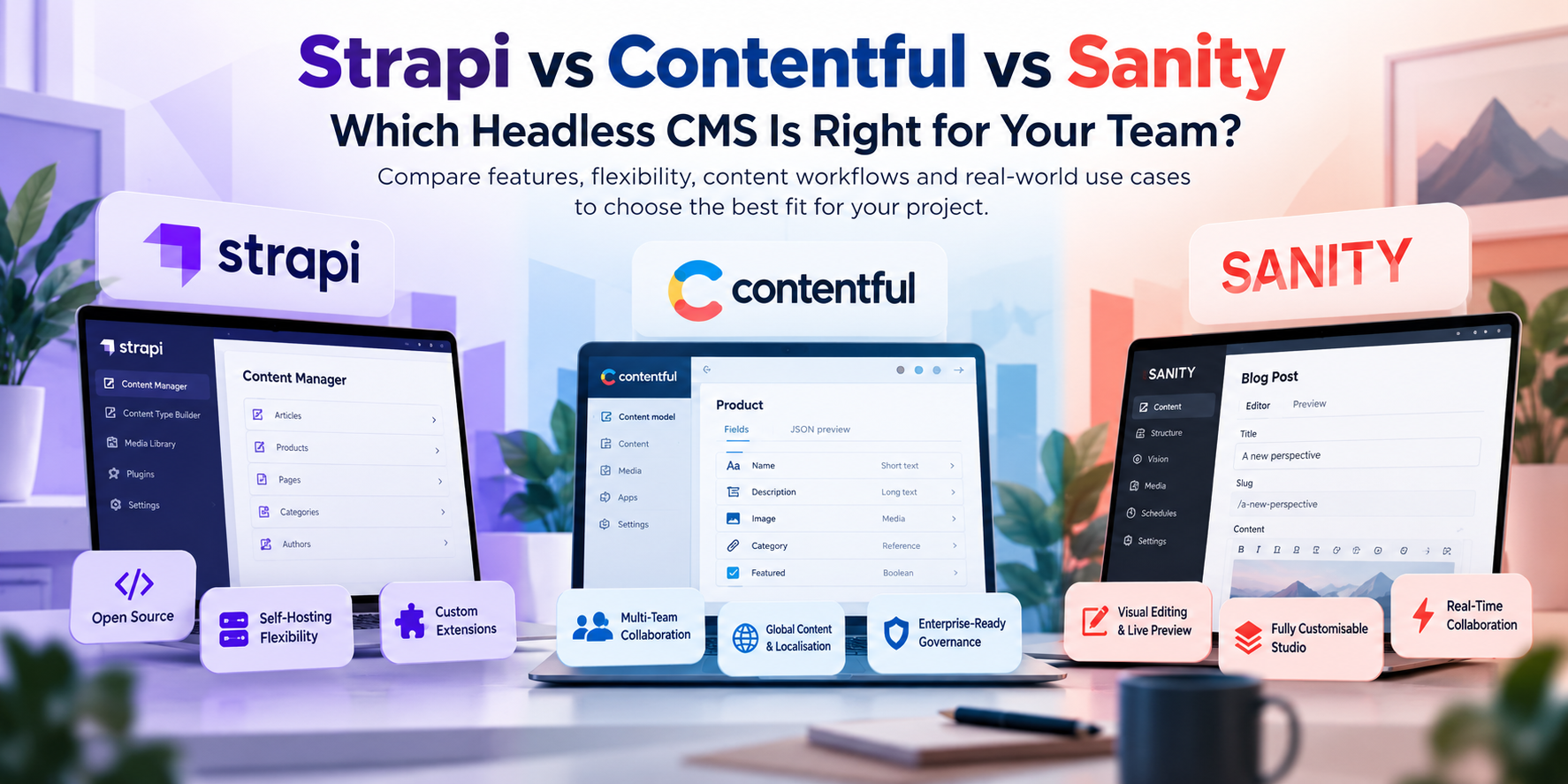
They approach content management from different directions. Strapi gives developers the option to run and modify the CMS themselves. Contentful puts more responsibility for the platform infrastructure with the vendor and concentrates heavily on structured content operations. Sanity gives developers considerable freedom to shape the editorial environment around the way a product actually works.
The right decision comes down to something more useful than a feature count: what does your team need to control, what does it need to simplify, and how will content behave once the product grows?
Strapi: When the CMS needs to fit your own infrastructure
Strapi is the natural starting point for a team that does not want its content layer completely separated from its engineering environment.
Its Community Edition is open source under the MIT licence and can be self-hosted on a company's own cloud infrastructure, data centre or isolated network. The organisation can use PostgreSQL, MySQL or MariaDB and deploy Strapi through environments such as AWS, Azure, GCP, Docker or Kubernetes.
That changes the responsibility attached to the CMS.
A development team can decide how the application is deployed, where its database sits, how backups are handled and how the CMS fits into existing infrastructure policies. Strapi is also an extensible Node.js application, so developers can work with controllers, services and plugins rather than treating the CMS as an entirely closed product.
For organisations with specific infrastructure or data-residency requirements, that control can be important. It can also suit software products where the CMS needs to interact closely with custom backend services.
The trade-off is operational ownership.
Your team becomes responsible for keeping the application running, maintaining the environment and planning upgrades. The Community Edition has no licence fee for self-hosting, but infrastructure and engineering effort still have a cost.
Strapi also offers a managed Cloud option, which gives teams another deployment route. Its current documentation makes an important distinction between Cloud hosting and paid CMS functionality: purchasing Cloud does not automatically provide commercial CMS features such as Content History, Review Workflows or SSO.
That makes Strapi particularly relevant when technical ownership is an intentional part of the architecture, rather than something the team has accepted accidentally.
Contentful: When content needs its own operating model
Contentful approaches the problem from the managed-platform side.
Instead of asking your developers to operate the CMS infrastructure, it provides a hosted environment where the team can concentrate on modelling, publishing and delivering content to applications.
This becomes more useful when several people depend on the same content.
Consider a business with regional websites, a product application and a central marketing team. The information may be shared, but the people responsible for it are not necessarily the same. One group may create content, another may review it, while regional teams work with local versions.
Contentful provides roles and permissions that can control access to content types, entries, settings and environments. Its localisation system also lets teams define locales and retrieve translated content through the API, including configured fallback behaviour.
That is a different problem from simply publishing a blog post.
The CMS becomes part of the organisation's content workflow.
Contentful's current pricing reflects this broader platform model. Its Free plan includes 10 users, two roles, two locales and 100,000 API calls per month. The Lite plan is listed at $300 per month and adds capabilities such as comments, tasks, scheduled publishing and live collaboration, while Enterprise provides custom users, roles and locales alongside additional governance, security and support options.
Contentful therefore makes sense to investigate when the organisation needs a managed content operation rather than another application for its developers to maintain.
Sanity: When editors need a CMS built around the product
Sanity is interesting for a different reason.
The platform does not treat the editorial interface as something developers simply accept out of the box. Sanity Studio can be shaped around the project's content structure, while its visual editing tools connect content work more closely with the website itself.
That distinction becomes noticeable on complicated websites.
Imagine a page assembled from reusable sections, product information, related resources and region-specific content. An editor may understand the page visually, while the CMS stores those pieces as separate structured documents.
Sanity's Visual Editing can let the editor work from the rendered page and connect visible elements back to the underlying content. The current platform also provides live previews and real-time editing.
That approach can reduce the distance between how developers model information and how editors think about the finished experience.
Sanity's current Free plan includes up to 20 seats, two roles, two datasets, unlimited content types and locales, a hosted real-time content database, Live Preview and Visual Editing. Growth is currently $15 per seat per month, with additional collaboration and workflow features, while Enterprise adds custom access controls, SAML SSO and dedicated support.
It is worth examining when the CMS interface itself needs to reflect a sophisticated editorial process.
The important comparison is what happens after launch
A CMS can perform perfectly during development and still become difficult six months later.
The reason is usually not the API.
It is the way the organisation uses the system.
A self-hosted platform may fit beautifully into an engineering team's infrastructure but create an ongoing maintenance burden. A managed service can remove that burden while introducing recurring platform costs. A highly customisable Studio can make editors more productive while requiring developers to maintain the custom experience.
That is why the CMS should be evaluated alongside the people who will own it.
|
Question
|
Why it matters
|
|
Who operates the infrastructure?
|
Determines the ongoing engineering responsibility.
|
|
Who publishes content?
|
Influences permissions, workflows and usability.
|
|
Where does content appear?
|
Determines whether the model needs to serve several applications.
|
|
Which system owns business data?
|
Prevents the CMS from becoming an accidental second source of truth.
|
|
How often will the content model change?
|
Affects development and migration effort.
|
|
What happens when the team grows?
|
Determines whether today's workflow remains manageable later.
|
This is also why choosing a CMS solely from a pricing page can be misleading.
What should you test before making the decision?
Use real project material.
Take a few genuine content types and build them in the shortlisted platform. Do not test with an imaginary “About Us” page if the actual product is going to manage products, locations, technical documentation or customer-specific information.
Create relationships between entries. Test a publishing workflow. Ask an editor to make a realistic change. Connect the API to a small frontend. Try a permission rule that reflects how the organisation actually works.
Then make a structural change.
That last step is important because a CMS is rarely finished when the first version of the website goes live. Content models evolve as products, teams and business requirements change.
A short proof of concept can reveal whether the platform feels natural to the developers and content team before the CMS becomes the foundation of a production system.
So, Strapi, Contentful or Sanity?
There is no useful universal answer because the three platforms solve different operational problems.
- Strapi deserves close consideration when developers need control over the application and infrastructure surrounding the CMS. Its open-source, self-hosted model makes that possible.
- Contentful is worth evaluating when content is shared across teams and digital channels and the organisation prefers a managed platform with structured governance capabilities.
- Sanity is particularly relevant when the content model is sophisticated and the editorial experience needs to be closely connected to the frontend.
The better question is not which name should appear in your architecture document.
It is which platform creates the fewest compromises for the people who will build, publish, integrate and maintain the product.
Where Rushkar Technologies fits
The CMS should be selected as part of the software architecture, not treated as a separate purchase.
The decisions around content modelling, APIs, frontend integration, authentication, third-party systems, deployment and future changes all influence whether the final implementation remains manageable.
Rushkar Technologies can approach that work from the application side, helping teams evaluate the CMS against the software they actually need to build rather than choosing a platform first and adapting the project around it.
For a new website, SaaS product or content-driven application, the useful starting point is the architecture: what information exists, who works with it, where it needs to go and what the engineering team needs to control.
Once those questions are answered, the CMS choice becomes much easier to justify.
Planning a headless CMS project? Talk to Rushkar Technologies about the architecture, integration and development requirements behind it.
Frequently Asked Questions
Can Strapi be self-hosted?
Yes. Strapi's Community Edition is MIT-licensed and can be deployed on infrastructure controlled by the organisation, including cloud, on-premises and isolated environments.
Does Contentful support multilingual content?
Yes. Contentful uses locales to manage translated content and supports locale-specific retrieval and fallback behaviour through its APIs.
Why is Sanity different from a standard CMS?
Sanity allows developers to customise its Studio and provides visual editing that connects the editorial workflow with the rendered frontend experience.
Is Strapi free?
Its Community Edition is free and open source for self-hosting. Commercial CMS features and Strapi Cloud hosting are separate considerations.
Can a headless CMS serve more than one application?
Yes. The separation between content and presentation allows structured information to be consumed by different frontends and digital experiences through APIs.